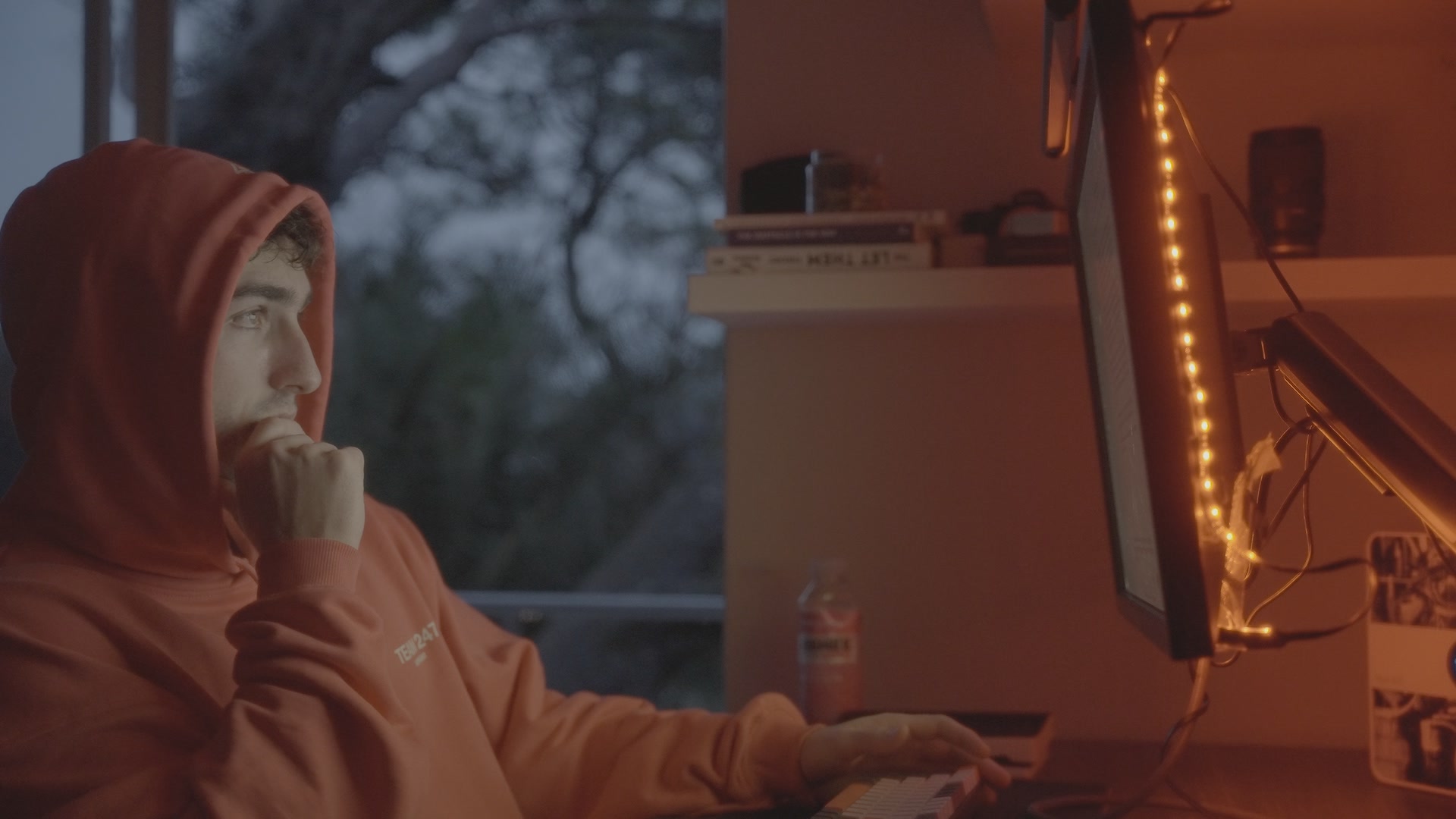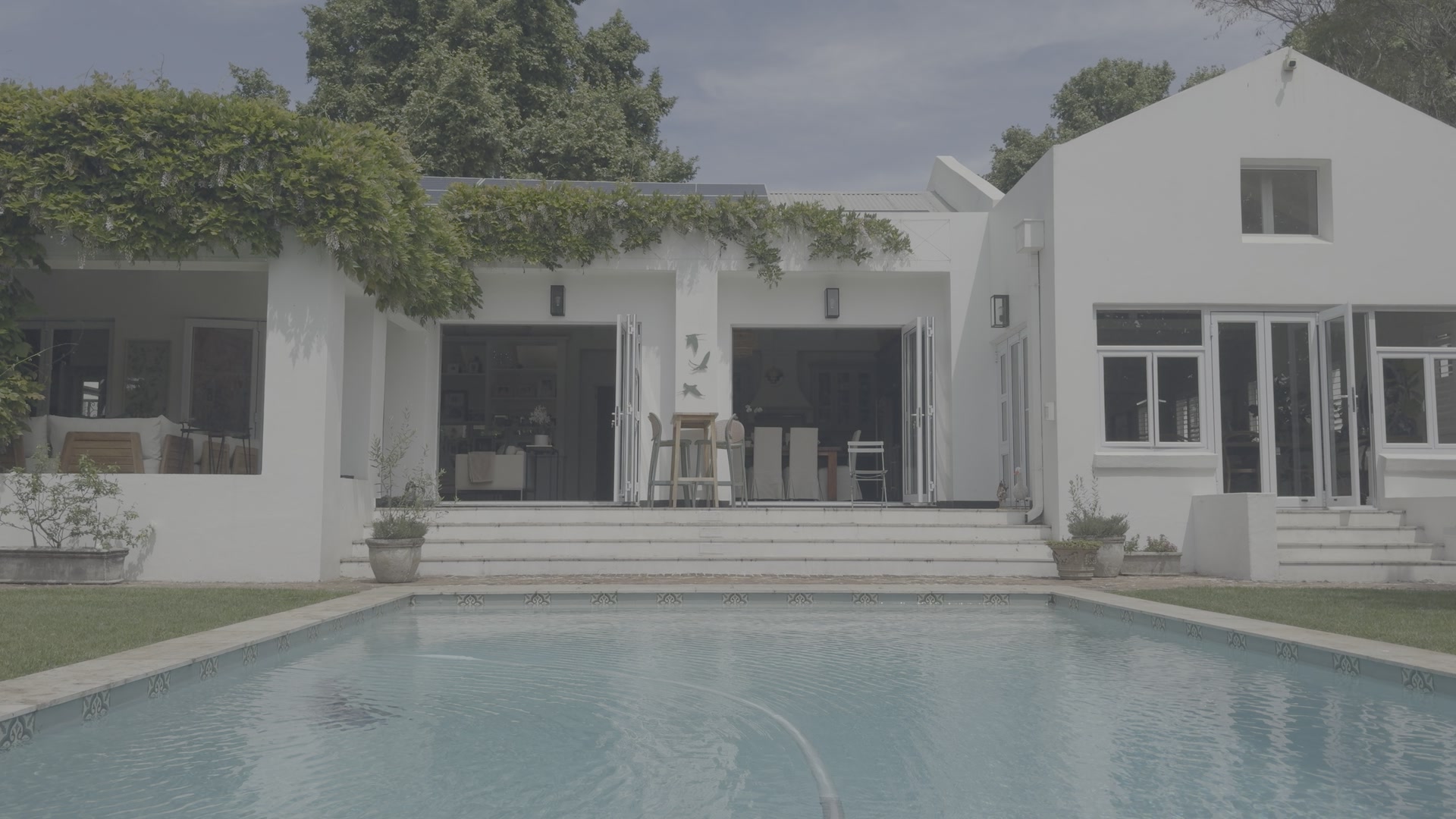
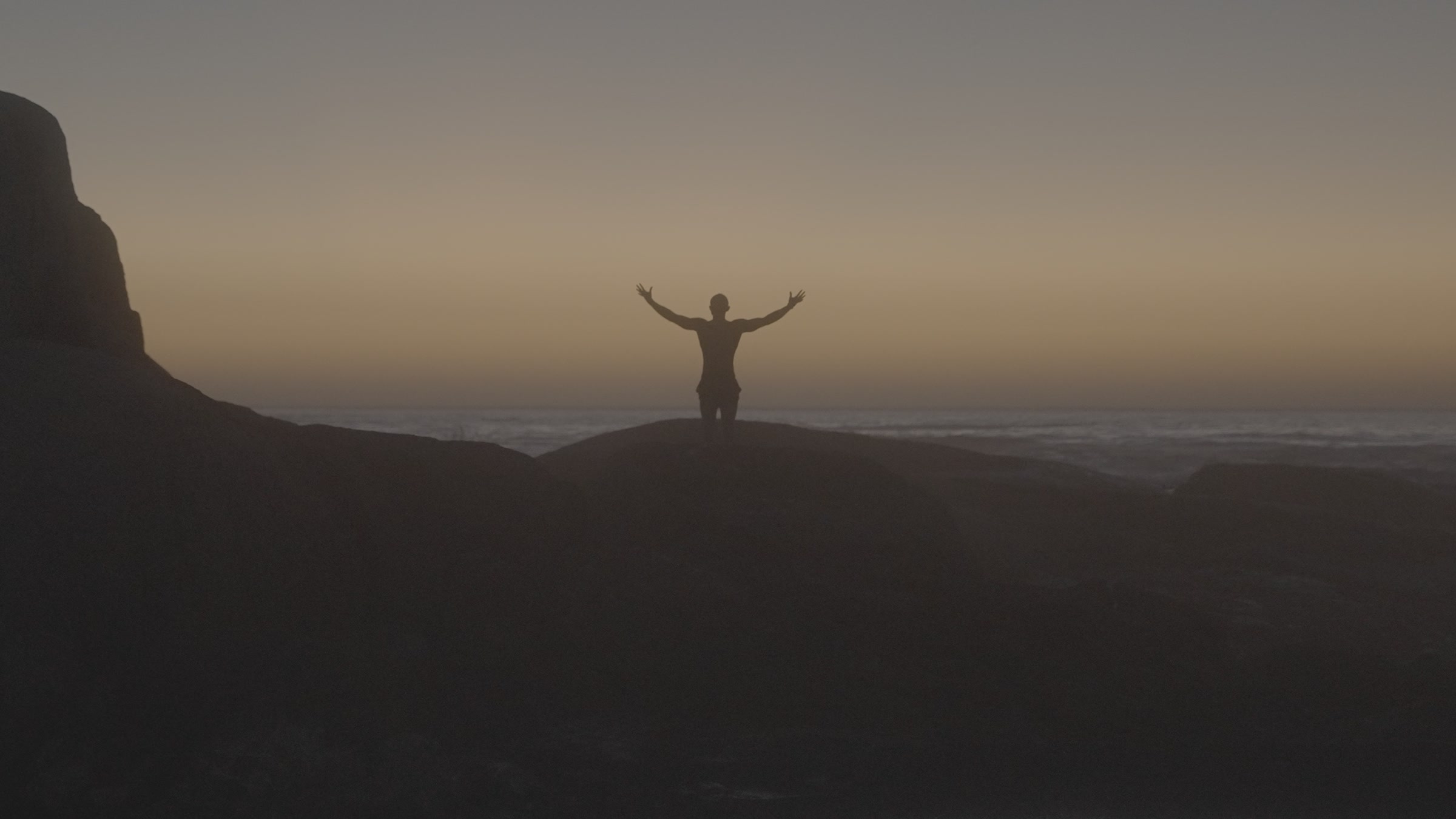
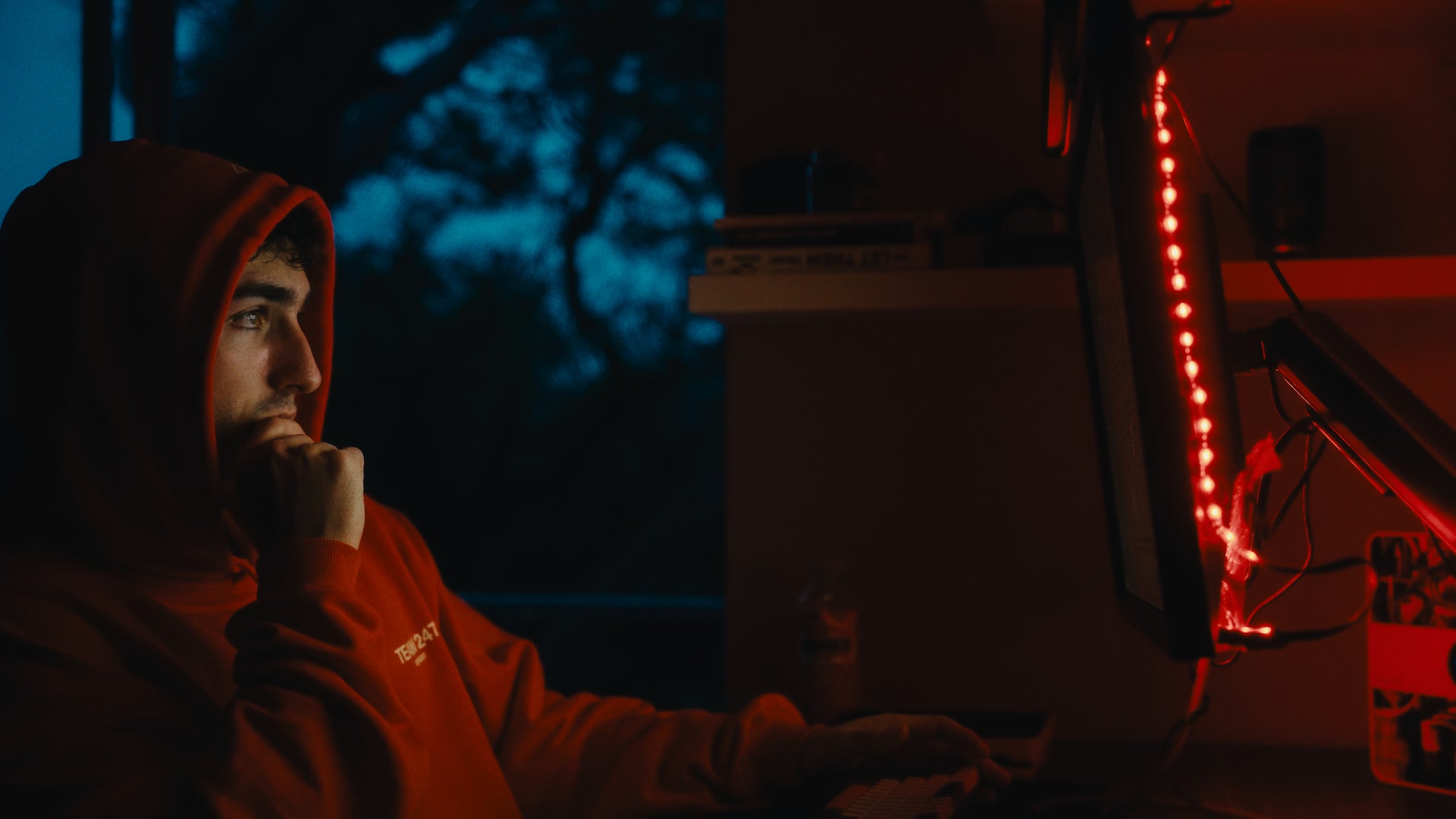
Sony A7S III
S-Log3
Low-light room, mixed colours.
 Graded
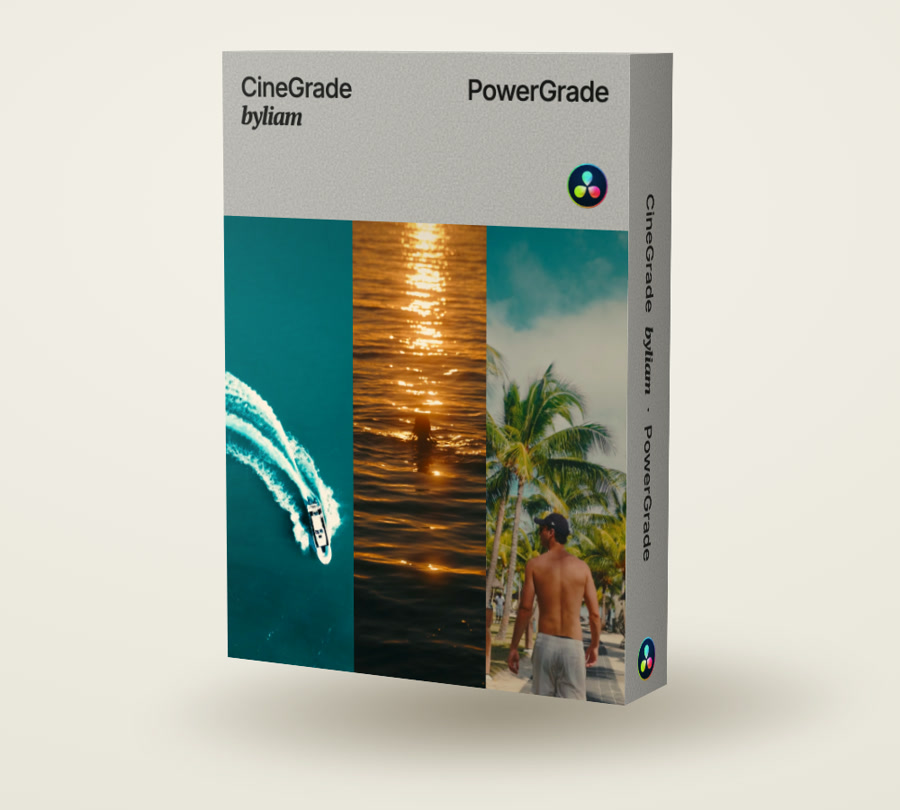
Cinematic colour. Your footage. Made simple.
A cinematic colour grading workflow for your footage from any camera, in DaVinci Resolve. Built as a PowerGrade you apply once and adjust to every shot.
Editing in Premiere Pro, Final Cut or CapCut? DaVinci Resolve is free, so you can still use CineGrade. Here's how
My entire colour grading ecosystem, packaged so you can make it yours.
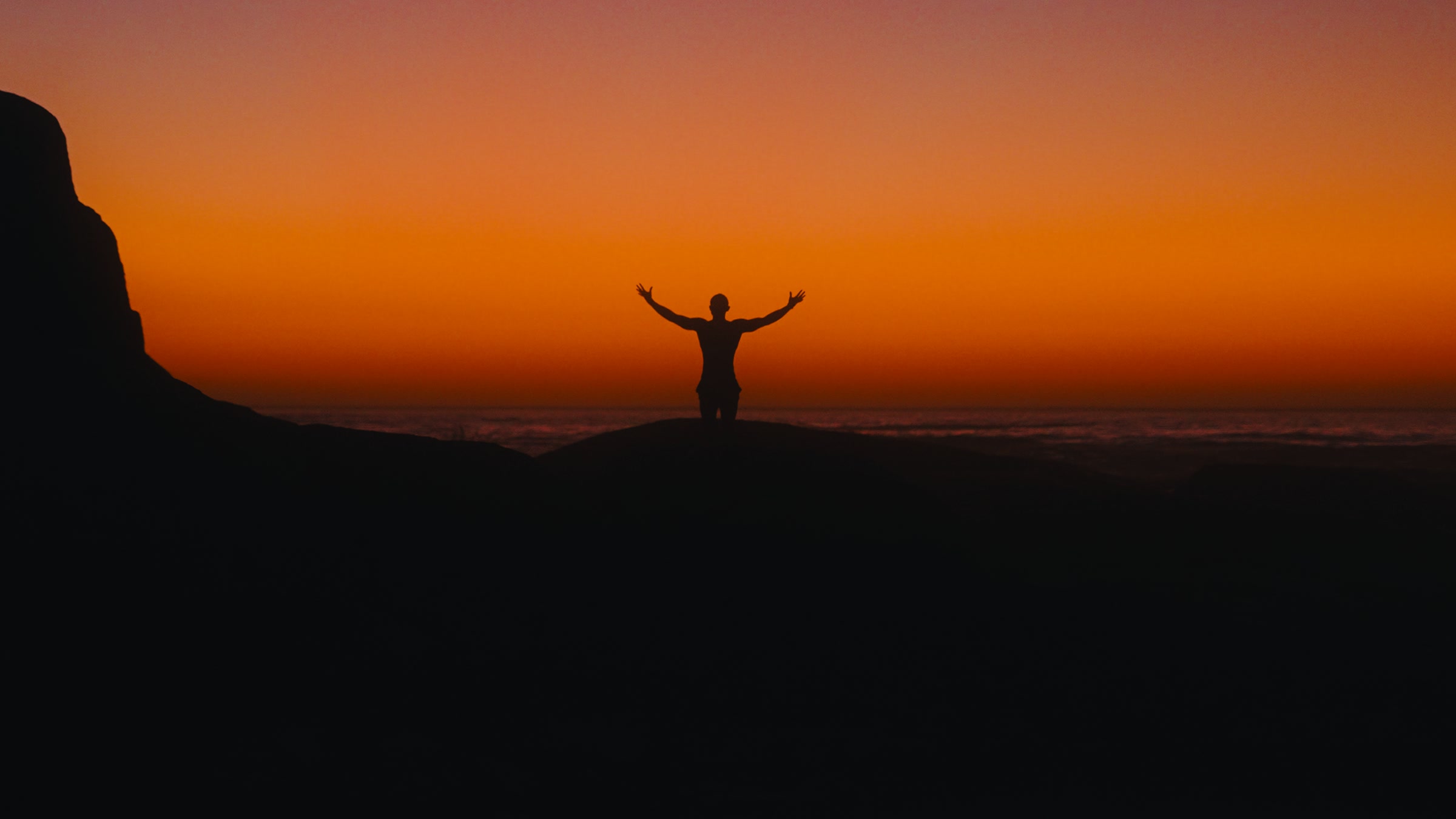 Graded
What's included
Built for DaVinci Resolve, ready to drop onto your timeline.
A complete walkthrough of applying and adjusting the grade on real footage, start to finish.
Four clips from my own shoots to practise on before you touch your own edit. You're welcome to share what you create with them, including posting a graded clip publicly.
A PDF guide to importing the PowerGrade and setting up your project correctly, so the grade behaves as intended on your own footage.
After you buy, you download two zip files from your Lemon Squeezy order: one with the CineGrade PowerGrade and the PDF setup guide, and one with the four practice clips. The step-by-step tutorial is a link to a video.
DaVinci Resolve Free or Studio.
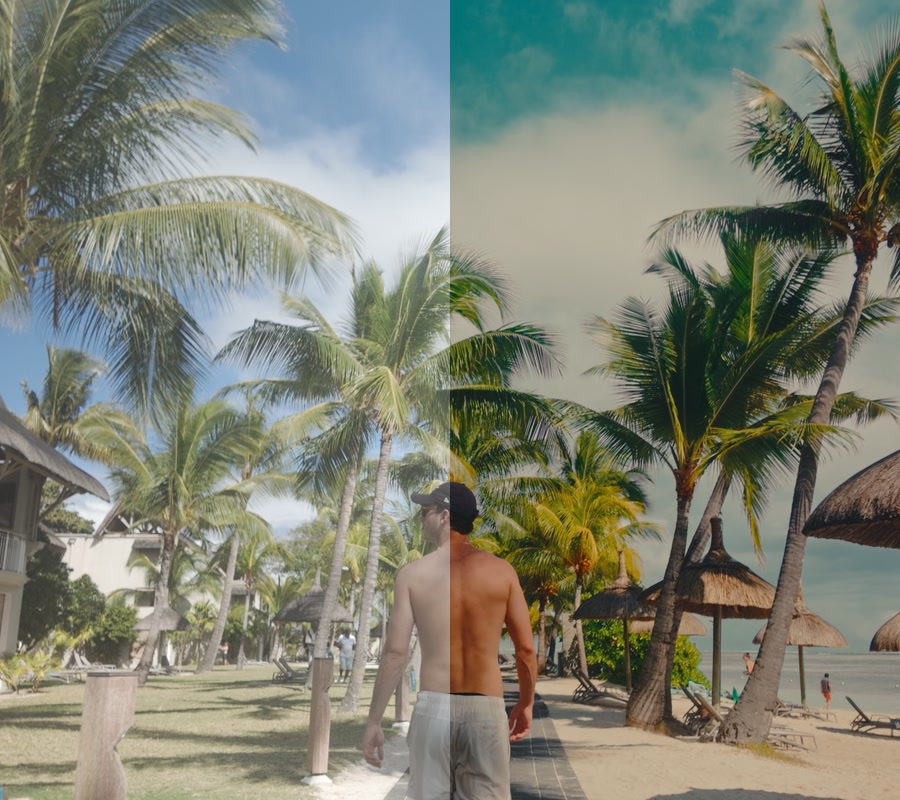
Before / after
Drag each frame to see the grade applied.
S-Log3
Low-light room, mixed colours.
GradedD-Log
Bright tropical daylight.
 Graded
Apple Log
Soft overcast daylight.
 Graded
This can be applied on any camera, in any picture profile.
It is recommended to use this grade on log footage to get the best results. However, it can be applied to any picture profile.
PowerGrade vs LUT
| LUT | PowerGrade |
|---|---|
| One fixed look | Fully adjustable |
| Often built for specific cameras and settings | Works on any camera, in any picture profile |
| Assumes prior colour grading experience | Comes with a full tutorial that walks you through the whole process |
Client work
This is the grade I use on all my work, personal and professional.
A well-known camera accessory brand for creators.
Three steps
After you buy, you download two zip files from your Lemon Squeezy order: the PowerGrade with the setup guide, and the practice footage. You also get a link to the tutorial video.
Follow the setup guide to import the PowerGrade into Resolve, then drop it onto your timeline. It takes seconds, no conversion needed.
Watch the full application tutorial to see exactly how it's applied to real footage, start to finish.
A filmmaker and creative director with a passion for craft and storytelling.
I’ve worked with many different brands and individuals, and what I specialise in is quality. I’ve always cared more about the craft than about virality or catching attention. To me, the value is in the quality of the work.
This PowerGrade comes from that. Everything in it is what I’ve learned from other filmmakers and professional colourists, combined with my own taste, and it has been developed and changed over many years.
I care about taste, and about getting the details right. I’ve done everything I can to make this as simple as possible, while keeping it as effective as possible.
Liam Berell, @itsbyliam
Resolve, footage, delivery, refunds
DaVinci Resolve. The PowerGrade imports straight into your PowerGrade gallery on the Color page, no conversion needed.
CineGrade is built for DaVinci Resolve, which is free to download and runs on Mac and Windows. If you edit in another program, you can still use it.
In Premiere Pro or Final Cut, export your timeline as an XML file and import it into Resolve (File, Import, Timeline). Your cuts come across with it. In CapCut, or if you'd rather start fresh, bring your footage straight into Resolve.
Grade it there with CineGrade, then export the finished video.
It works in the free version of DaVinci Resolve. Two optional parts, film grain and noise reduction, need Resolve Studio. They're switched off by default, so you can ignore them if you're on the free version.
Yes. CineGrade works on any camera and any footage, and it's built and demonstrated across a range of cameras, lighting conditions and subjects. Results still depend on your source footage, and every clip needs its own adjustment.
Yes, it works with any picture profile. We suggest using a log picture profile to get the most out of the PowerGrade.
CineGrade does most of the work for you. Most of the values are already set, so you won't need to make many changes. Every clip differs in lighting, sensor and exposure, so you'll still fine-tune white balance, exposure and contrast on each shot. The setup guide and tutorial walk you through exactly how.
After you buy, you download two zip files from your Lemon Squeezy order: one with the PowerGrade and the PDF setup guide, and one with the four practice clips. You also get a link to the step-by-step tutorial video.
Yes. You can use CineGrade on any project you want, personal or commercial, including client work. Read the full terms on the licence and refunds page.
If you were charged twice for the same purchase, or the product is faulty or not as described, email support@itsbyliam.com and we'll sort it out. Refunds are processed through Lemon Squeezy. Full details are on the licence and refunds page. Nothing there limits the rights the law gives you.
Email support@itsbyliam.com and we'll help with any questions you have.
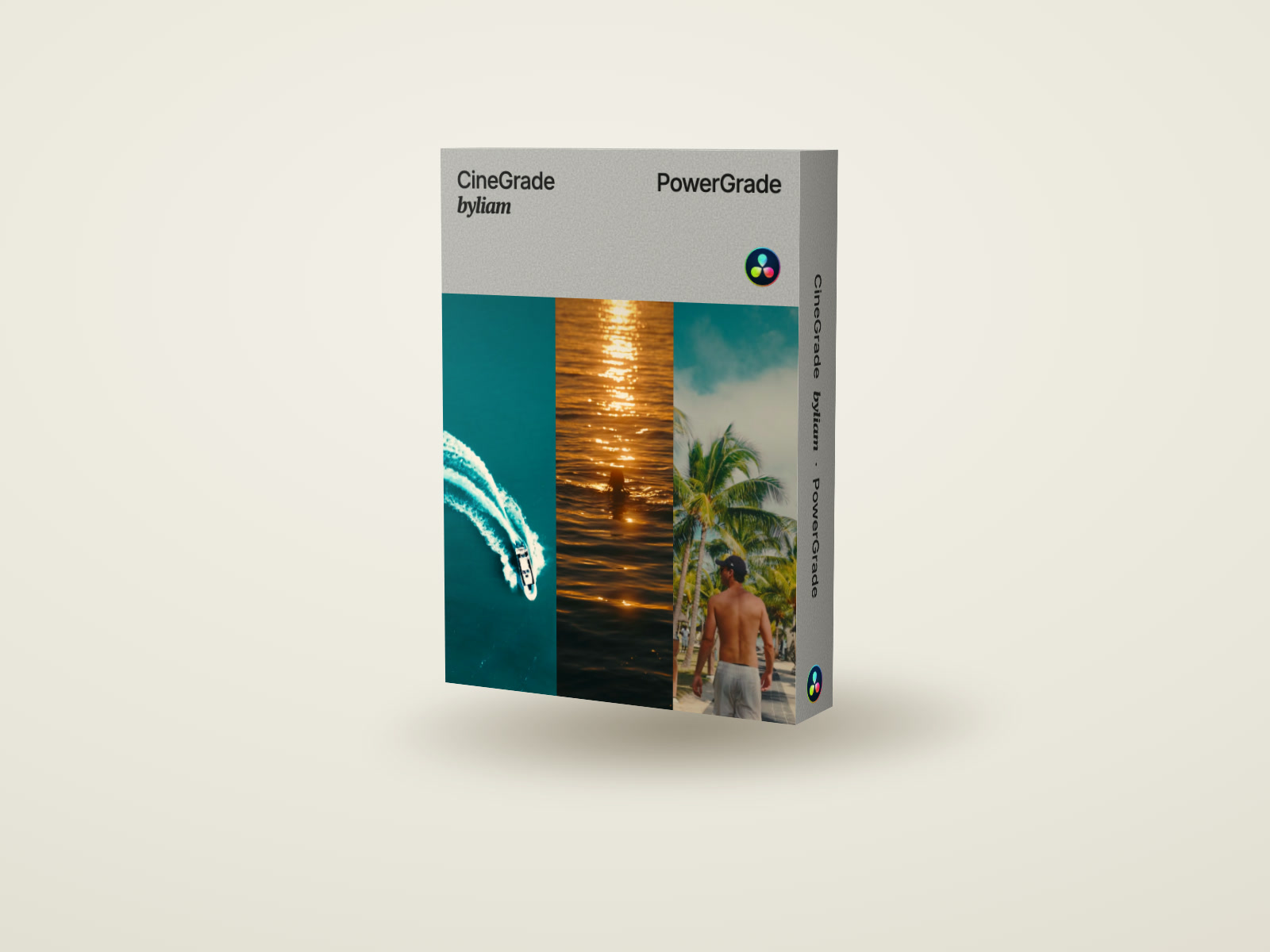
CineGrade byLiam
CineGrade PowerGrade · Full application tutorial · Practice footage · Setup and import guide
Payment is handled by Lemon Squeezy, our merchant of record. One-time payment, no subscription. The price includes any applicable sales tax.
Licence and refund terms